Recover what you want, when you want, how you want.
Jira's got your workflow.
Rewind's got your back.
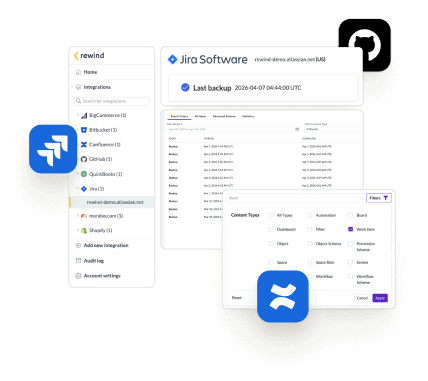
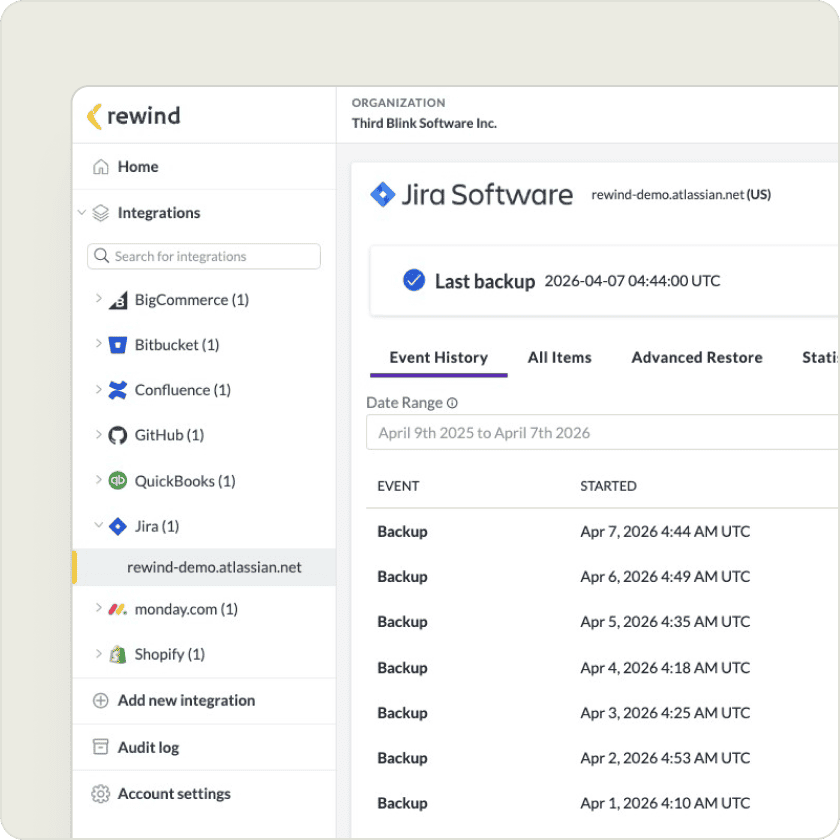
Rewind’s flexible recovery options let you restore individual items when mistakes happen or recover your full dataset when disaster strikes.
Rewind can rescue you
when Git hits the fan.
Save your developers the time and hassle of creating backups. Rewind recovers your GitHub repositories, including metadata, with a few clicks.
Chaos in Confluence?Rewind helps you recover.
Atlassian is only responsible for restoring its platform, not your Confluence data. Rewind gives you daily backups, flexible recovery, and peace of mind,
Rewind is the leading third-party provider of SOC 2-compliant cloud backups. Our full SOC report and detailed security portal is available upon request.
“Rewind doesn’t just give us a full backup of the codebase with just a few clicks; it also gives us a business continuity plan in the event of the worst-case scenario.”
Uttej Badwane
Senior Security Engineer, Carta
“We knew Atlassian provides limited data backup coverage, but that doesn’t extend to backup of account-level data in GitHub and Jira.”
Eran Polak
R&D Manager at Matics
“We want our solutions to work without disrupting our work. We don’t want to have to check them daily, but we also need the assurance that they’re working fine.”
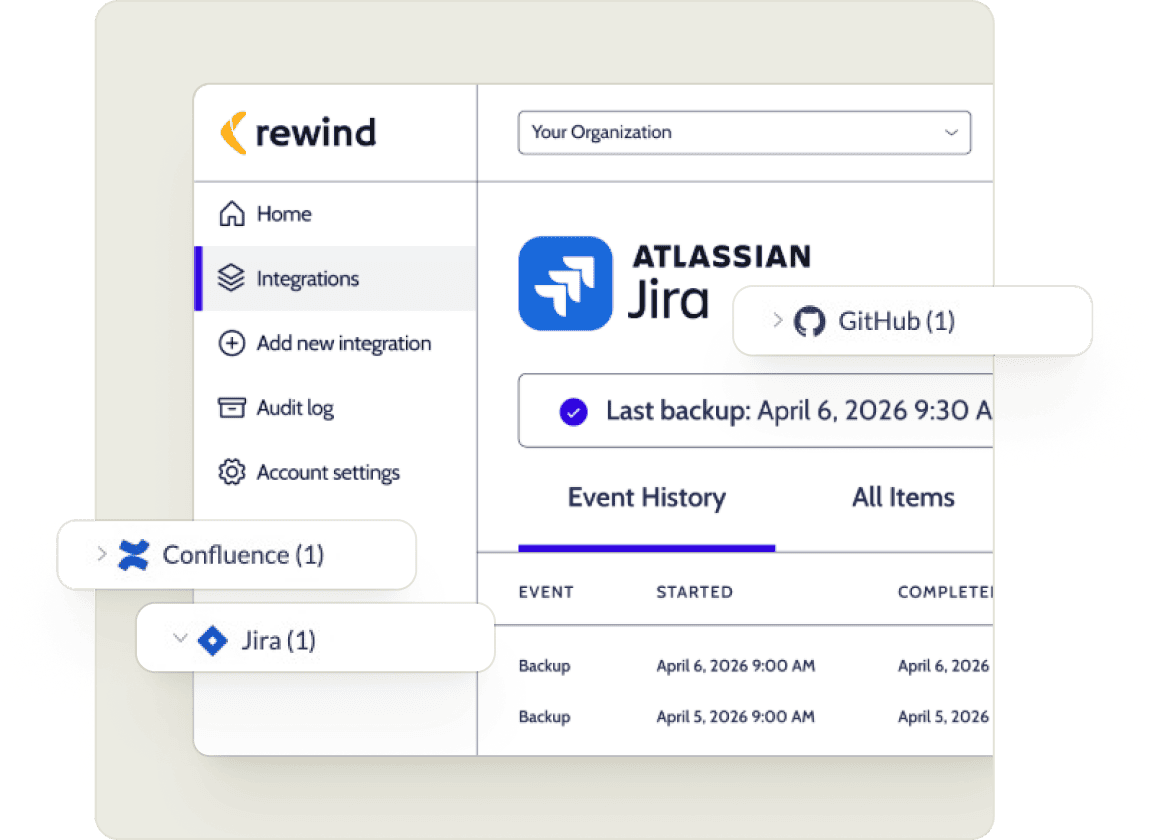
Automated backups for Jira, GitHub, and Confluence
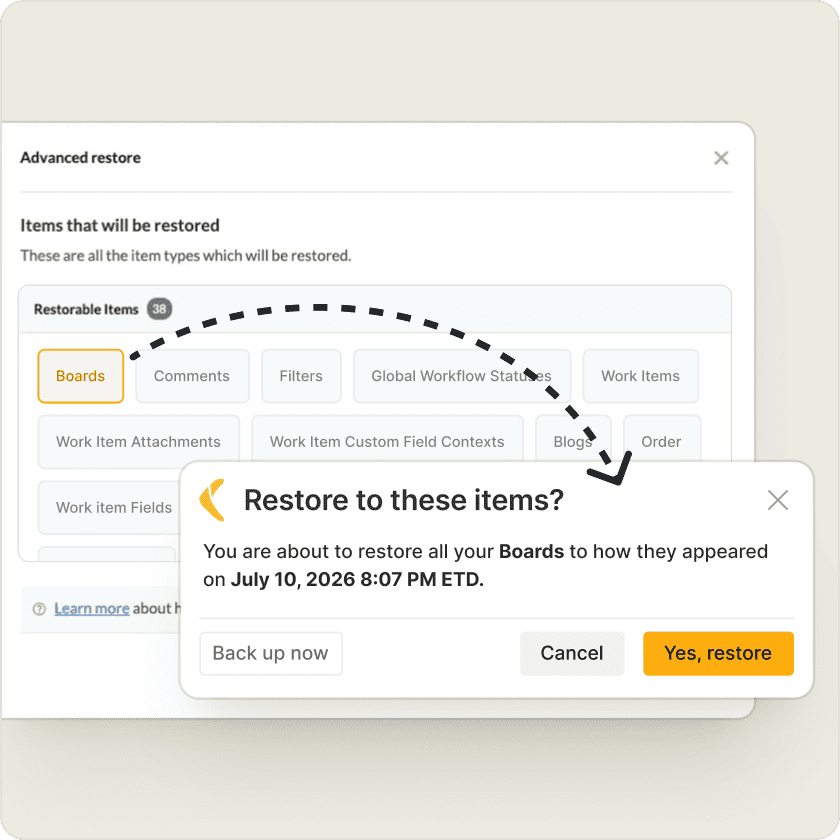
Restore at the item level with full schema intact
Get evidence of backup, retention, and recovery
Jump on a quick call with our experts
Frequently Asked Questions
Does Atlassian back up my data for me?
Atlassian backs up the platform. Your specific account data — projects, tickets, pages, repos — is your responsibility under their Shared Responsibility Model. If something goes wrong at your account level (e.g. accidental deletion, bad migration, ransomware), Atlassian won’t restore it. That gap is exactly what Rewind fills.
Which DevOps tools does Rewind back up?
Jira, Confluence, GitHub, Bitbucket, and Trello. One product covers your whole stack.
How hard is it to set up?
You can connect Rewind and backups start immediately. Automated daily incremental backups run in the background, and you have on-demand backups as an option before risky operations. You don’t have to worry about scripts, versioning headaches or broken APIs.
How long will I have to wait for recovery during major data loss?
It depends on the size of instance and number of items but you can be fail-over ready with Hot Standby for Jira, which is available on Rewind’s Advanced and Enterprise plans. Hot Standby keeps a pre-synced secondary Jira instance ready in a separate AWS region, so when the primary is corrupted or unusable, teams can stay productive, and resume work in minutes while the incident is resolved in the background.
Where is my data stored? Is it secure?
Rewind stores backup data in five regions — US, EU, UK, Canada, Switzerland and Australia — with customer choice of storage region. For highly regulated industries that require full data custody, BYOS and BYOK give security teams complete control over where backup data is stored and who holds the encryption keys. Rewind is SOC 2 Type II certified, HIPAA-ready, GDPR compliant, and ISO 27001 certified.
If I restore, does it override good data?
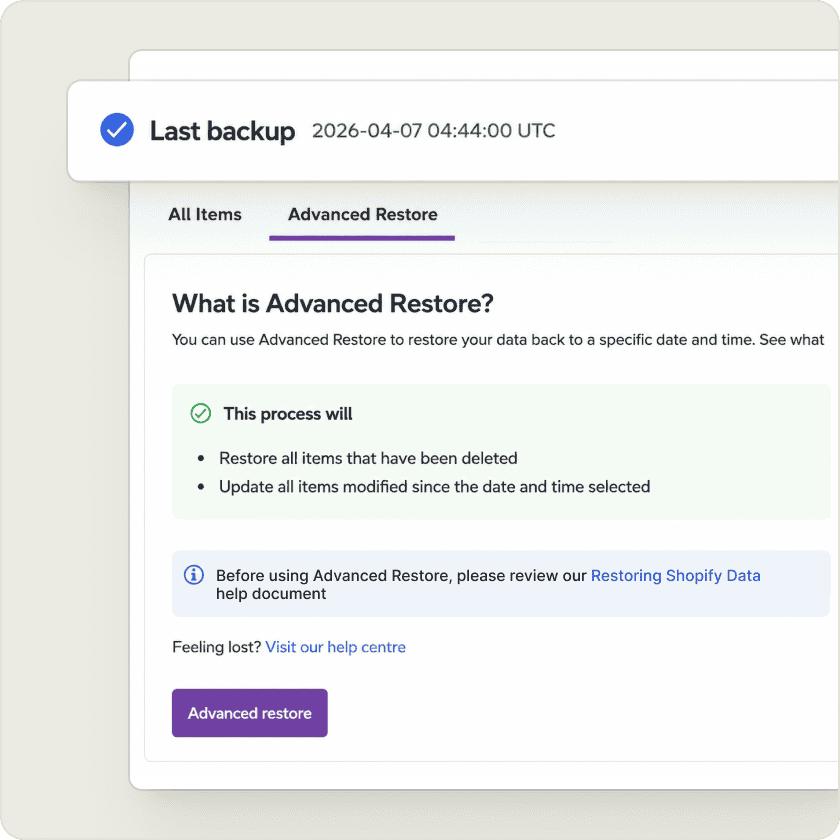
Rewind lets you restore to any point-in-time at a granular level. If someone makes a mistake, or a bad import causes some issues, you can rollback to restore individual items, and preserve the rest of the changes you’ve made in the meantime. One little mistake no longer means undoing hours or days of work for everyone.
When I recover my data, will relationships be restored or will the data be raw?
Rewind has schema-aware recovery, so it understands the dependencies in a Jira environment and restores them alongside the raw records. Issue links come back linked. Comments come back with full history. Workflows, screens, and permission schemes are restored as part of the same operation.