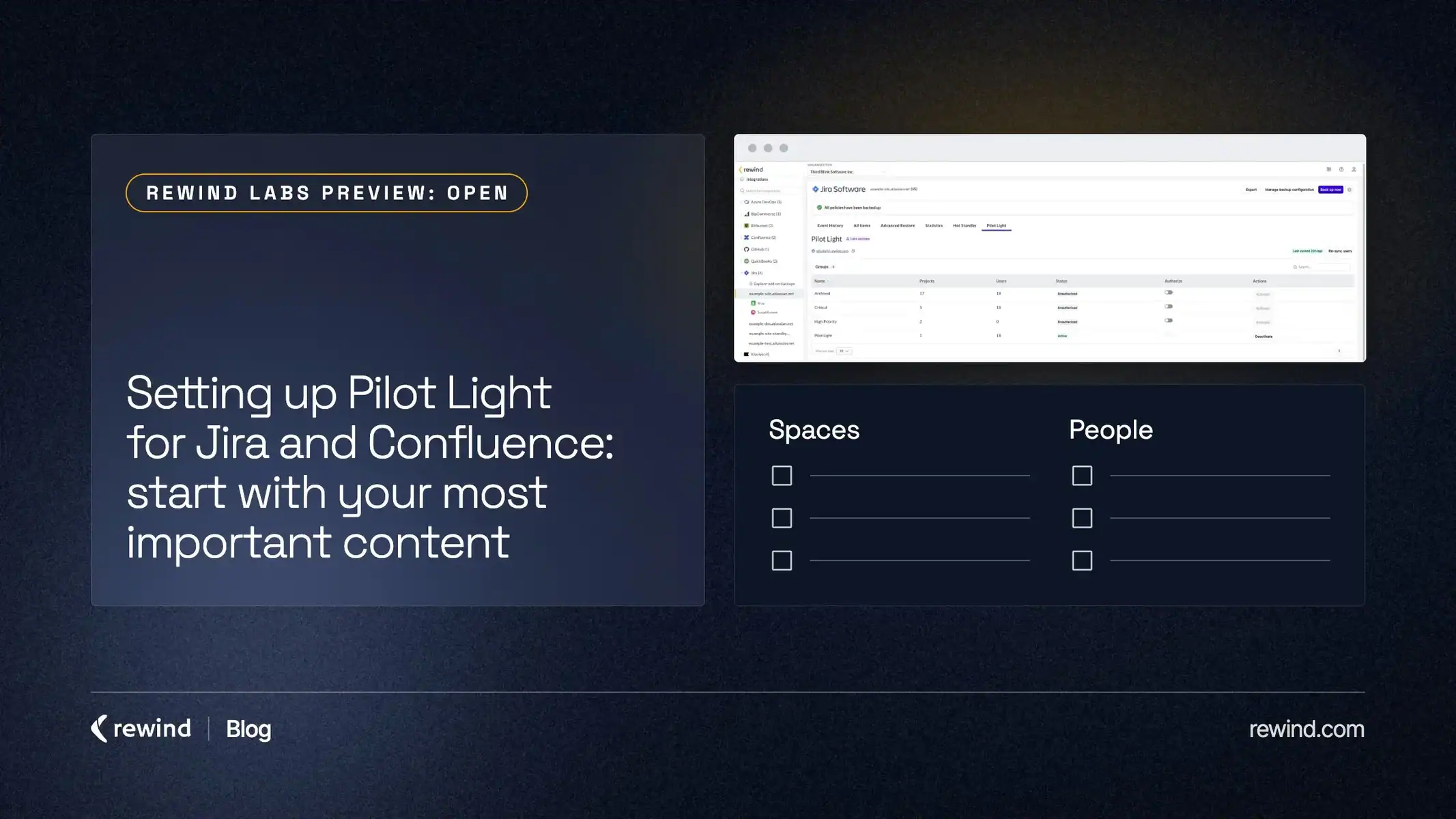
Before you open Rewind, open a blank page and write down two things: the Jira spaces and Confluence spaces your team would reach for first if Atlassian were unavailable this afternoon, and the people who would need to read them.
That list is most of the work of setting up Pilot Light for Jira and Confluence. The rest is four steps:
- Choose the content and the people.
- Group that content into a backup configuration in Rewind.
- Turn on Pilot Light, link the configuration and activate the people.
- Tell those people how they’ll use it during an outage.
The list matters because most teams haven’t planned for this moment yet. Only 40% of organizations have a defined RTO for Jira, and only 29% have a defined RTO for Confluence (Rewind SaaS Resilience Report, Q4 2025). Pilot Light gives your team a concrete answer to what people do during an outage. It’s the simplest first step toward resilience, and it may already be included in your plan. It’s in Rewind Labs Preview: Open, so you can switch it on yourself.
Step 1: Choose what matters most
During the preview, Pilot Light allows a set number of backup configurations and people while we validate at scale. You can’t give everyone access, so you have to choose, and choosing is the useful part.
A few questions help:
- Which Jira spaces hold the work your team would need to triage during an outage, such as the current release, incident follow-ups or support escalations?
- Which Confluence spaces hold the pages people look for when things go sideways: runbooks, release plans, decision records, contact lists?
- Who needs to read them first? Usually a small group: whoever leads triage, the people who own the release, and the people customers will ask.
You’ll end up with a short list of spaces and a short list of people. Keep both short. You can always revisit them later.
Step 2: Group that content into a backup configuration
Pilot Light works from your backup configurations, so it gives the best results when those are set up properly. Do this before you turn on Pilot Light.
A backup configuration is a group of spaces with its own backup policy. In the Rewind app, you’ll find them under Manage backup configuration. A configuration exists once one full backup has run, so if you’ve just connected a site, let that first backup finish.
Group the spaces from your list into a configuration of their own. That way, the content you chose in Step 1 is exactly the content Pilot Light will show. The help center walks through the steps for Jira and for Confluence.
Step 3: Turn on Pilot Light for Jira or Confluence
With your backup configuration in place, open the Pilot Light tab in the Rewind app.
The setup has two parts:
- Link a backup configuration. Choose the configuration you set up in Step 2.
- Activate the people who can use it. Use your short list from Step 1.
The help center has the full steps for Jira and for Confluence.
Confluence adds two steps: Rewind syncs your users first, then you map Atlassian groups to spaces. People see only the spaces their groups are mapped to.
Step 4: Tell people what they’ll see during an outage
Send the people you activated the Pilot Light link and a line on what it’s for, so the first time they hear about it isn’t during an outage. Here is what to tell them.
When Jira or Confluence is unavailable, they open the Pilot Light link, which Rewind hosts outside Atlassian, and sign in with a code sent to their email.
- In Jira, they open the work items and active sprint board they need to keep working.
- In Confluence, they read the pages and attachments from the spaces you picked, laid out as they are in Confluence.
Everything is read-only, and it shows the latest backup. People can look things up and make decisions. They can’t edit there, so there’s nothing to copy back once Atlassian resolves the issue. Your team picks up in Jira and Confluence where it left off.
That’s the whole job of Pilot Light: keeping your team’s work in view while Atlassian works through an outage.
FAQ
What are the limits during Rewind Labs Preview?
Up to 3 backup configurations, with up to 25 people activated on each, so up to 75 people in total. There is no limit on the number of spaces.
What if more people need access than the preview allows?
Start with the people your team would need first during an outage, and the spaces they would reach for. The limits are there while we validate at scale, and starting small keeps Pilot Light focused on what your team will actually open.
Why do backup configurations come first?
Pilot Light works from your backup configurations. A configuration exists once one full backup has run, and Pilot Light gives the best results when those configurations are set up properly before you turn it on.
Does turning on Pilot Light change my backups?
Pilot Light reads from the backups you already have, and your backup schedule stays as it is.
Is Hot Standby set up the same way?
No. Hot Standby for Jira is a guided setup that you book with your Rewind contact or the support team.
Set it up this week
Write your short list, set up the backup configuration, and switch on Pilot Light. The SaaS Resilience page shows how it sits alongside restore and Hot Standby, and the Rewind Labs Preview page explains what Rewind Labs Preview: Open means.
To get posts like this once a month, sign up for Retro.
Sources
- Rewind SaaS Resilience Report, Q4 2025. Based on a Q4 2025 survey of IT, Cloud Ops, and Engineering leaders at companies with 500-10,000+ employees.