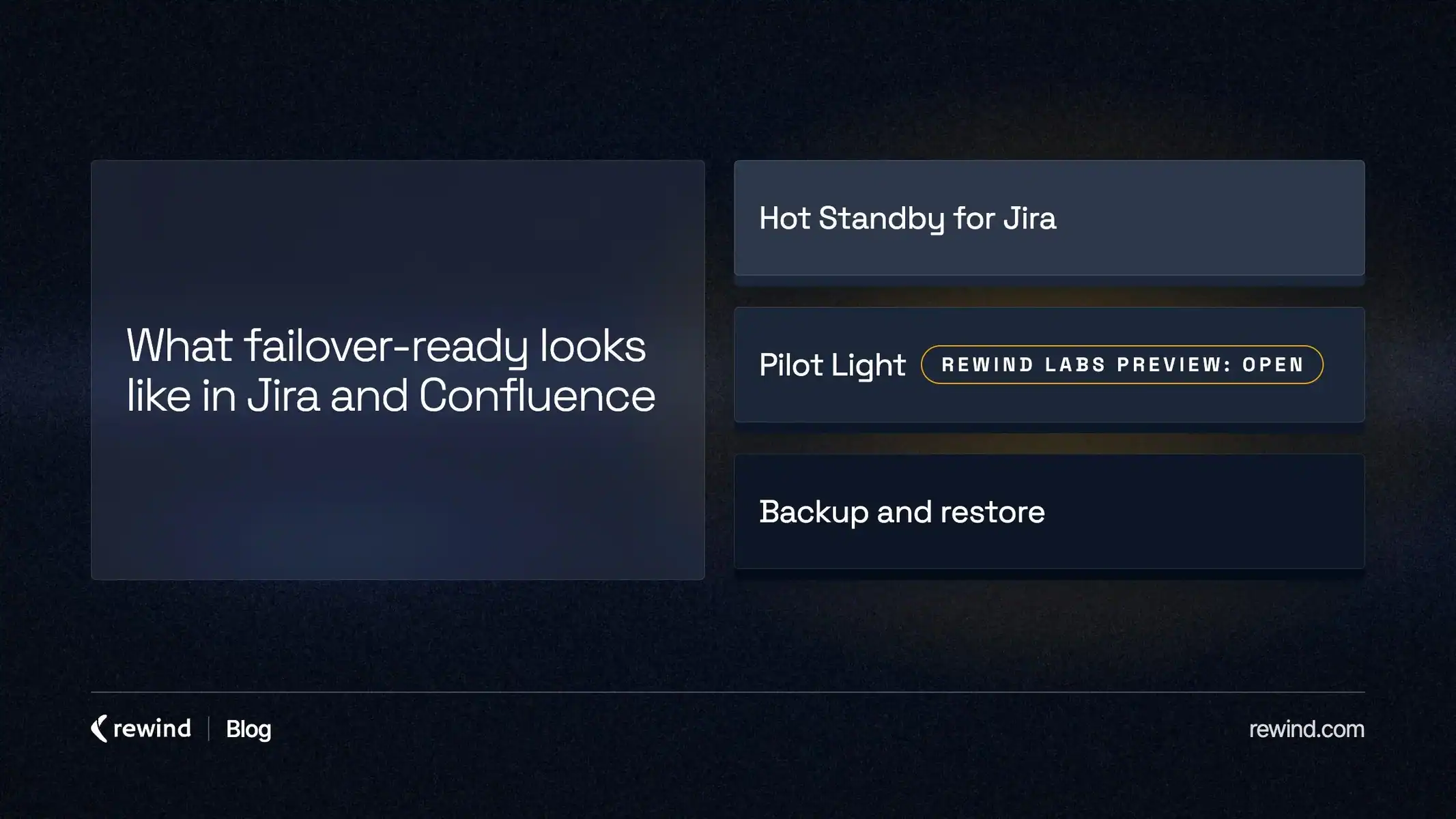
Answer: Being failover-ready means your team already knows what it will do when something goes wrong in Jira or Confluence. Rewind covers three situations. When something is changed or deleted, you restore it from your Rewind backup. When Atlassian is down, or Jira or Confluence is out for a short time, Pilot Light for Jira and Confluence lets your team open its latest backup and keep working. When your main Jira site is lost, can’t be trusted, or its region is down for an extended period, Hot Standby for Jira gives your team a second site to move to.
For one team, those three situations might arrive in three different weeks:
- A bulk edit goes wrong. It clears a custom field on 400 work items, and the team restores those work items from the Rewind backup.
- Atlassian has an outage in the middle of a sprint. The team opens Pilot Light and keeps working from the latest backup until Atlassian restores service.
- The region that hosts their Jira site is down for an extended period. The team decides to switch to its Hot Standby site in another region.
In our Q1 update at the start of 2026, we wrote: “Our next phase focuses on ‘failover-ready’ capabilities that keep humans in control while minimizing disruption.” Restore, Pilot Light and Hot Standby are those capabilities. Being failover-ready is a specific state of preparation, not a technical promise of automatic failover. It means ensuring that an organization is not forced to scramble when a platform fails.
60% of organizations experienced at least one Jira outage in the past year, and 73% of organizations report that Jira outages directly impact delivery timelines (Rewind SaaS Resilience Report, Q4 2025). Most teams don’t fail because they lack backups. They fail because they don’t have a predefined way to keep operating while an incident is being resolved.
Changed or deleted work: restore
The status page is green, but the work is wrong. Rewind backs up Jira and Confluence daily, and a restore puts back exactly what was affected, whether that’s a whole space, one page or a handful of work items. Before a migration or a big bulk change, you can also back up on demand first.
Restore is the base for the other two. Pilot Light opens your latest backup, and Hot Standby syncs after every daily backup. Neither replaces it.
Atlassian is down: Pilot Light for Jira and Confluence
You can’t prevent an Atlassian outage, but you can decide in advance whether people can still get to their work during one. 90% report productivity loss from Jira outages; 77.4% from Confluence outages (Rewind SaaS Resilience Report, Q4 2025).
Rewind hosts Pilot Light separately from Atlassian, so it stays available when Jira and Confluence aren’t. Your team gets read-only access to the most recent Rewind backup:
- In Jira, people open the work items they’re responsible for, with descriptions, comments and attachments, and see the active sprint board.
- In Confluence, they read the pages, blog posts, comments and attachments in the spaces you chose, and search across them.
So the runbook, the release plan and the open work items are still in reach while Atlassian restores service.
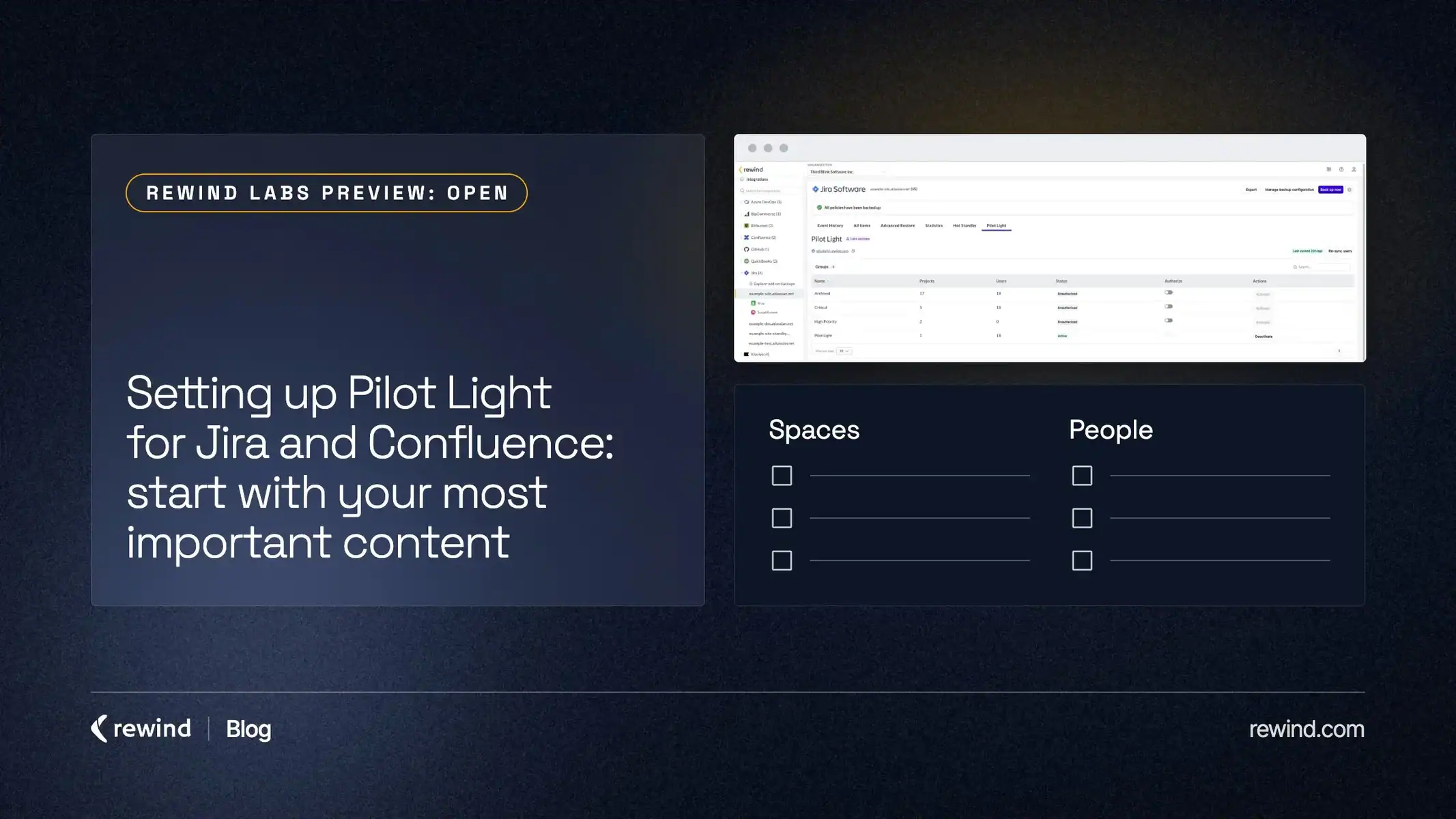
Pilot Light is the answer for an outage across all of Atlassian, and for a short outage of any kind. It is in Rewind Labs Preview: Open, and during the preview only a set number of people can use it, so start with the content and people your team would need first.
The main Jira site is lost or its region is down: Hot Standby for Jira
Hot Standby for Jira is for when your main Jira site is lost, can’t be trusted, or its region is down for an extended period. The standby site sits in a different region, and switching to it is a deliberate team decision.
It is a second Jira site in your Atlassian organization, kept in sync with your main site after every daily backup. It holds the previous day’s data, so the recovery point is about 24 hours. Hot Standby can help you achieve a recovery time (RTO) of under 6 hours. It syncs the core of Jira: spaces, work items with their attachments and comments, fields, boards, sprints, workflows, statuses and permission schemes.
Why not switch for a short outage? Data copies one way, from your main site to the standby. Any work your team does on the standby has to be reconciled with the main site afterward. Pilot Light avoids that cleanup, because nobody edits anything there.
Nothing switches on its own. You can also sync Hot Standby on demand, for example before a migration, or stop the sync from the Hot Standby tab when a damaging change is the problem, so the change never reaches the standby.
How to start
If you back up Jira or Confluence with Rewind, restore is already there. The next step is to set up the other two.
Pilot Light: if it’s included in your plan, you switch it on in the Rewind app. Choose the content and people your team would need first, authorize that backup configuration, activate those people and send them the Pilot Light link. The help center walks through setup for Jira and for Confluence.
Hot Standby for Jira: setup is guided. Ask your Rewind contact or Rewind support to book it. You’ll need an empty Jira site in your Atlassian organization, set up in a different region from your main site. Rewind runs checks on your site before the first sync.
The SaaS Resilience page puts all three on one page.
FAQ
What do we use if all of Atlassian is down?
Pilot Light. It runs separately from Atlassian, so your team can still open its latest backup of Jira and Confluence while Atlassian restores service. Hot Standby is for a main Jira site that is lost, can’t be trusted, or whose region is down for an extended period.
Which products does each one cover?
Restore and Pilot Light cover both Jira and Confluence. Hot Standby covers Jira only.
Does Hot Standby switch over on its own?
Never. Switching to the standby is a decision your team makes, with set steps.
What stays on your main Jira site when you switch to Hot Standby?
Hot Standby syncs the core of Jira. These stay with your main site and are set up again after a switch:
- Users and groups
- Jira Service Management
- Jira Product Discovery
- Assets
- Third-party apps
- Dashboards
- Worklogs
Workflow rules sync, but group limits on transitions come over empty and are re-entered. Your daily Rewind backup still includes Jira Service Management, Jira Product Discovery, Assets, dashboards and worklogs.
Does Hot Standby cost extra?
Hot Standby is included in the Advanced plan, and Rewind doesn’t charge extra for the standby. It is a second Jira site in your Atlassian organization, so depending on your Jira plan, Atlassian license fees may apply.
Retro, our monthly newsletter, tracks what’s new in SaaS resilience. Subscribe to get it.
Sources
- Rewind SaaS Resilience Report, Q4 2025. Based on a Q4 2025 survey of IT, Cloud Ops, and Engineering leaders at companies with 500-10,000+ employees.