
Answer: Pilot Light for Jira and Confluence gives your team read-only access to its latest Rewind backup, in a web portal that runs separately from Atlassian, so people can keep working during an Atlassian outage. It is now in Rewind Labs Preview: Open, so if it’s included in your plan, you can turn it on yourself. It is still in preview, with usage limits while we validate at scale.
Until now, Pilot Light was something you asked us for. Teams applied or were invited, and we switched it on for them. That step is gone. If Pilot Light is included in your plan, you can turn it on yourself, for Jira and for Confluence.
We wanted it in more hands because outages are outside everyone’s control, Atlassian’s included. 60% of organizations experienced at least one Jira outage in the past year (Rewind SaaS Resilience Report, Q4 2025). When an outage hits, the questions your team is asking don’t pause. Which work items are blocked? What did the release plan say? Where is the Confluence page with the steps for exactly this situation?
Pilot Light is there so someone can answer those questions while Atlassian works through the issue.
What Rewind Labs Preview: Open means
Rewind Labs Preview is where we release capabilities that are tested and working while we keep adding to them and scaling them. It has two levels.
- Closed: you apply or are invited to join.
- Open: everyone on the plan can turn it on. It is still in preview.
Pilot Light, for Jira and for Confluence, is in Rewind Labs Preview: Open.
So what does “preview” mean for you, in practice? Pilot Light is tested and it works. It may not yet have every capability we plan to add, and it has usage limits while we validate at scale. A notice in the Rewind app stays visible and explains that Pilot Light is in Rewind Labs Preview, so nobody on your team has to remember it.
We aren’t putting a date on when Pilot Light leaves the preview. We’ll keep adding to it.
What your team sees in Pilot Light for Jira and Confluence
Pilot Light opens your latest Rewind backup outside Atlassian. It is read-only. People can look things up, and nothing they do there has to be moved back once Atlassian is available again.
- In Jira, people see the active sprint boards and work items they rely on to keep working.
- In Confluence, people read the pages, page hierarchy and attachments of the spaces you chose.
In Confluence, access follows your Atlassian groups. You map groups to spaces during setup, and each person only sees the spaces mapped to their group.
It all works from the Rewind backup, so there is no second site for you to run or keep up to date.
Here is what that looks like in practice. Atlassian has an outage on a Wednesday morning, two days before a release, just as the release lead needs to confirm which three work items still block it. Jira won’t load. Her team has Pilot Light for Jira turned on, so she opens the Pilot Light link and signs in. The three work items are there as they stood in last night’s backup, with their comments and attachments. She can’t edit them in Pilot Light, but she can tell the team what to finish, and the work carries on until Jira is back.
Before you turn it on
Two habits make setup go well.
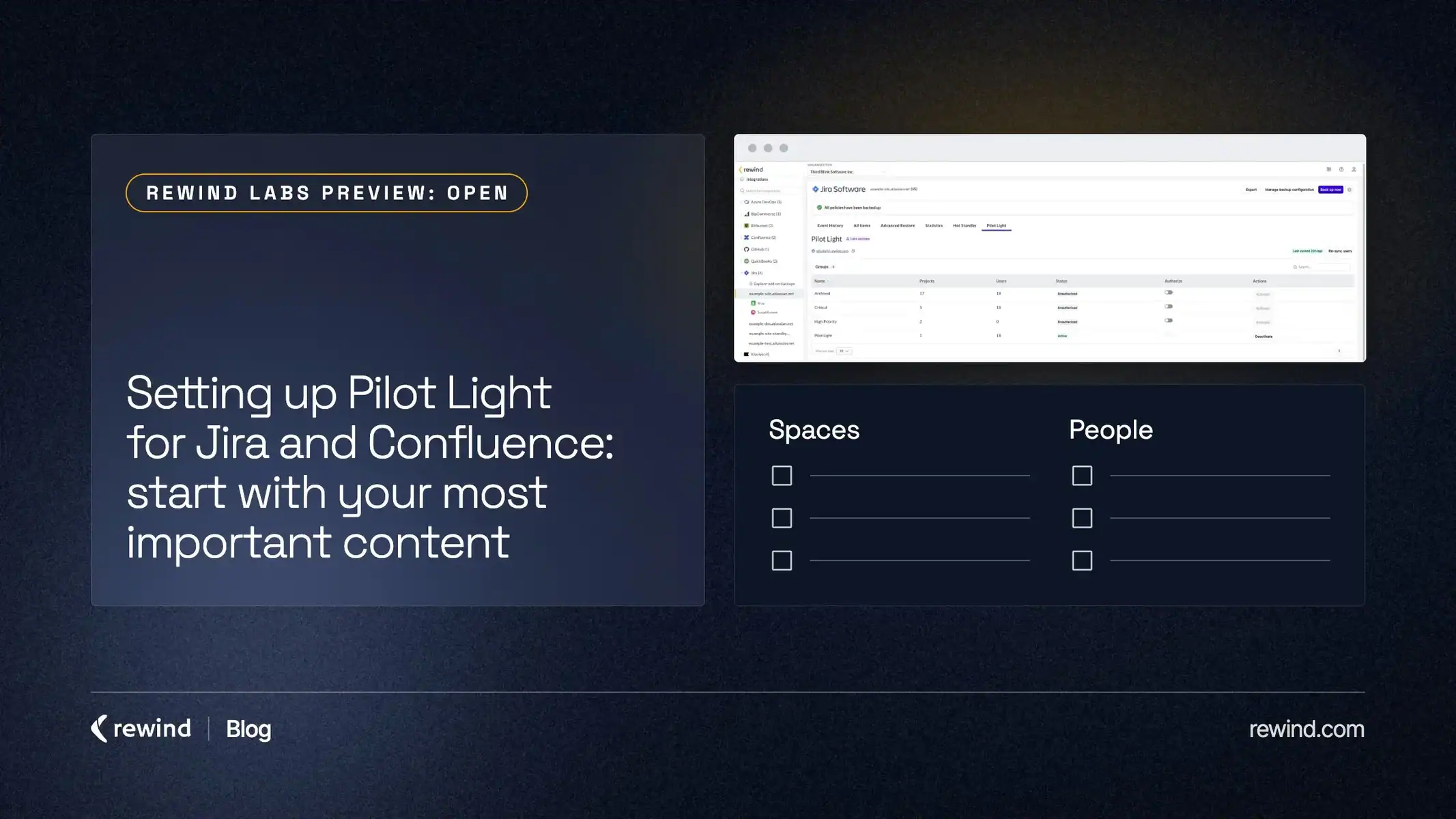
Start with your most important content. Rewind Labs Preview has limits on how many backup configurations and people can use Pilot Light, so you’ll have to choose. Ask which projects and spaces your team would need first in an outage, and who on the team would need them. That short list is where Pilot Light belongs.
Set up backup configurations first. Pilot Light reads from them, so get them right before you turn it on. Our help center covers backup configurations for Jira and for Confluence.
After that, setup is a few settings in the Rewind app: link a configuration, choose who gets access and, for Confluence, map your groups to spaces.
Where it fits with restore and Hot Standby
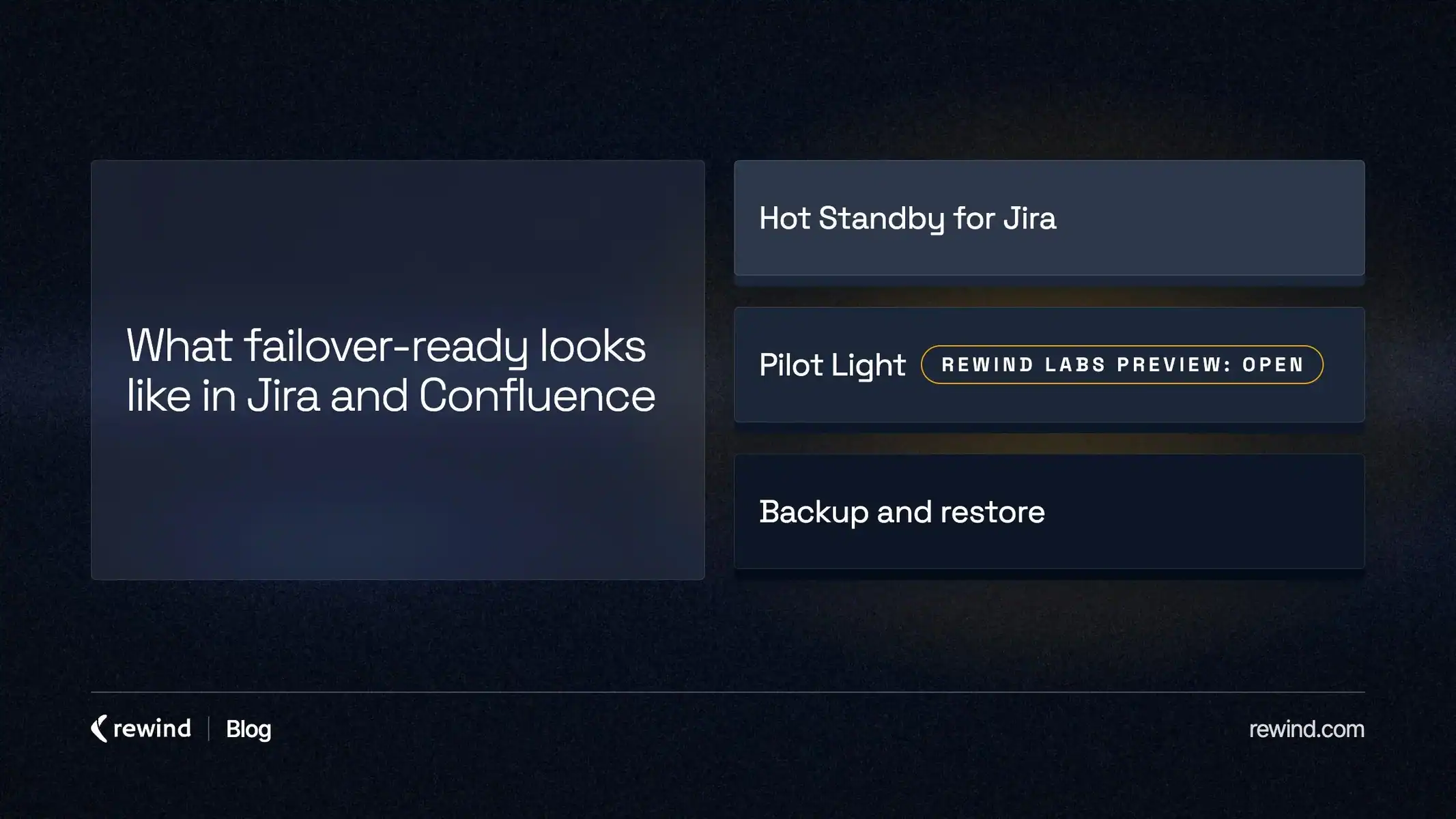
Backup is the foundation, not the finish line. Rewind backs up Jira and Confluence every day, and when something is changed or deleted, a restore from your backup rolls it back to a known-good state, from a whole space down to a single page or a few work items. That part doesn’t change.
Pilot Light covers a different moment: a temporary outage, when people can’t reach Jira or Confluence.
There is a third case, and it is Jira only. If your main Jira site is lost, can’t be trusted, or its region is down for an extended period, your team may decide to move its work to a second site in a different region. That is what Hot Standby for Jira is for. It is a guided setup with Rewind, and switching to it is always a deliberate decision your team makes. For a short outage, or one across all of Atlassian, Pilot Light is the tool.
Our SaaS Resilience page lays out how backup and restore, Pilot Light and Hot Standby fit together.
FAQ
What changed with Pilot Light for Jira and Confluence?
You no longer apply or wait for an invitation. Pilot Light moved from Rewind Labs Preview: Closed to Open, so you turn it on yourself in the Rewind app.
Who gets Pilot Light?
Customers on the Advanced plan who back up Jira or Confluence with Rewind. It is included in that plan.
How do people sign in to Pilot Light?
With their work email and a one-time code. They don’t need Rewind accounts. An admin activates them in the Rewind app and shares the Pilot Light link with them.
Is Pilot Light still a preview?
Yes. It is tested and it works, and it has usage limits while we validate at scale. We aren’t putting a date on when it leaves the preview.
Where can I read more about Rewind Labs Preview?
The Rewind Labs Preview page explains the Open and Closed levels.
Turn on Pilot Light for Jira and Confluence
If Pilot Light is included in your plan, you can set it up today. Pick the backup configuration that holds your most important content, turn on Pilot Light in the Rewind app, and activate the people who would need it first. To see how it fits with backup, restore and Hot Standby, visit the SaaS Resilience page.
The help center has a guide for each step:
- Pilot Light for Jira: feature overview
- How to set up Pilot Light for Jira
- Pilot Light for Confluence: feature overview
- How to set up Pilot Light for Confluence
For a monthly look at what’s changing in SaaS resilience, subscribe to Retro, our newsletter.
Sources
- Rewind SaaS Resilience Report, Q4 2025. Based on a Q4 2025 survey of IT, Cloud Ops, and Engineering leaders at companies with 500-10,000+ employees.